 OmniAccount
Features · Invoices, bills & people
Invoices that live inside the books, not next to them.
A client, a tenant or a vendor is a real ledger from the moment you create it. An invoice posts a real entry the day it is raised, the way a sales voucher does in Tally.
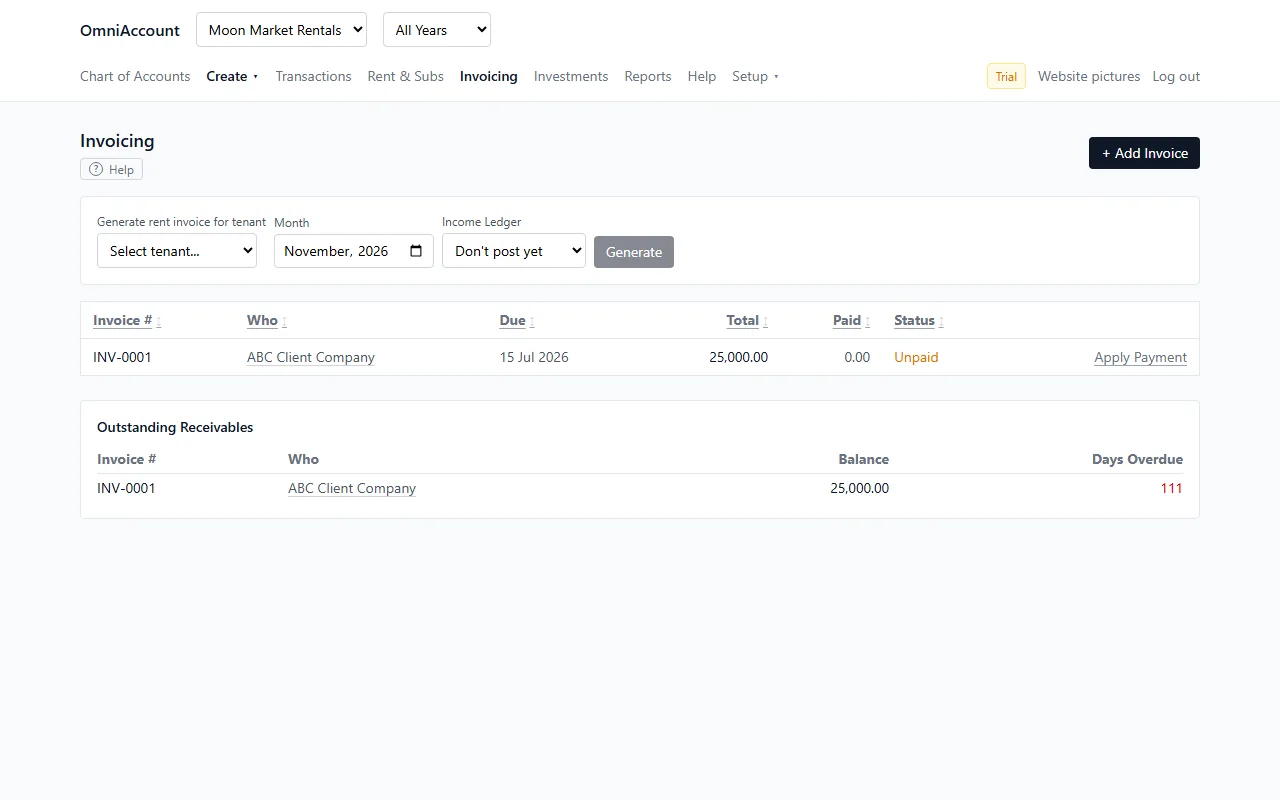
Raise an invoice, track what is unpaid
- Bill a client or a tenant with a real line-item breakdown, an invoice number and a due date.
- Raising it posts income that day: Debit the client, Credit the income ledger.
- One screen lists every invoice that is not settled yet.
- Apply Payment links a bank receipt to the invoice it settles: one lump payment across several invoices, or one invoice paid in instalments.
- The app refuses the one mistake this could cause (counting the same income twice) and tells you what to do instead.
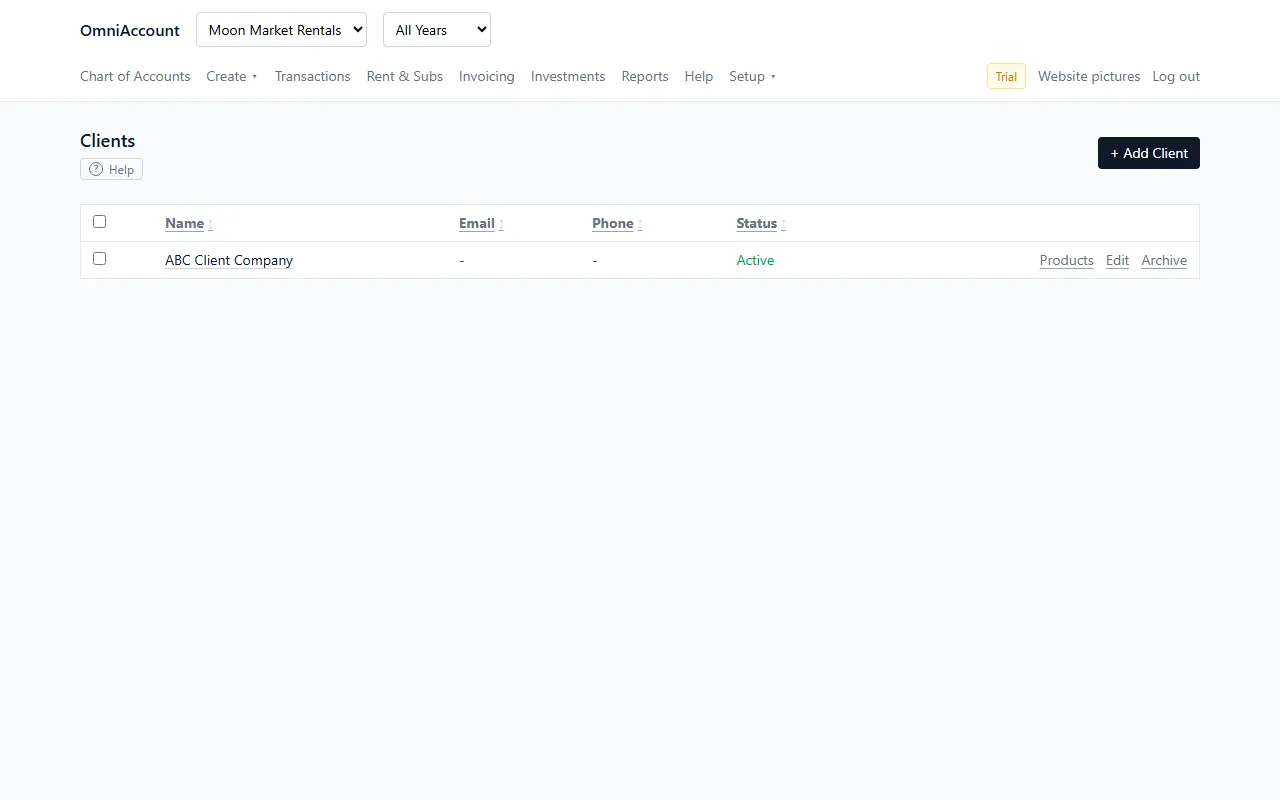
People and things you sell
- Clients pay you. Vendors get paid by you. Products and services are what you charge for, one-time or recurring.
- A client on a fixed monthly fee appears on the Rent & Subscriptions grid, same as a tenant.
- Bills are the vendor side of invoices: track what you owe and pay a bill in one click, which posts the expense and the bank payment together.
- Click any client, tenant or vendor name anywhere and their own ledger page opens. Go back returns you exactly where you were.
Start with your own books. Free for a year.
Sign up with your email or Google. No card. Import your first bank statement in minutes.