 OmniAccount
Help
Help lives inside the app, one chapter per screen
No accountant language. Every page in OmniAccount has a ? Help button with details for that exact screen. The eight chapters, in short:
- Create: the Create ▾ menu on every page, grouped by what you are adding: Entity, Account, Tag, Exchange Rates; Rent & Subscriptions (Property, Tenant, Track Rent); Purchases & Sales (Product, Services, Client, Vendor, Invoice).
- Entities: one entity = one complete set of books; switch at the top left; each entity picks its notation, date and number format.
- Chart of Accounts: every account of every kind in one searchable list: places money sits, reasons money moves, things you owe or are owed, the owner's own money.
- Rent & Subscriptions: properties, tenants, the month-by-month grid, part-payments.
- Purchases & Sales: clients, vendors, products, services, invoices and Apply Payment.
- Importing Transactions: paste, upload (CSV, Excel, PDF with password), photograph; Suspense or row by row; duplicate flags.
- Assigning Transactions: tap the kind, tap the item; transfers; similar rows; create a ledger in place; who it is for.
- Reading, Fixing, Printing: passbook-style statements, month-wise totals, the Find box, click a line to fix it, Print / Save as PDF.
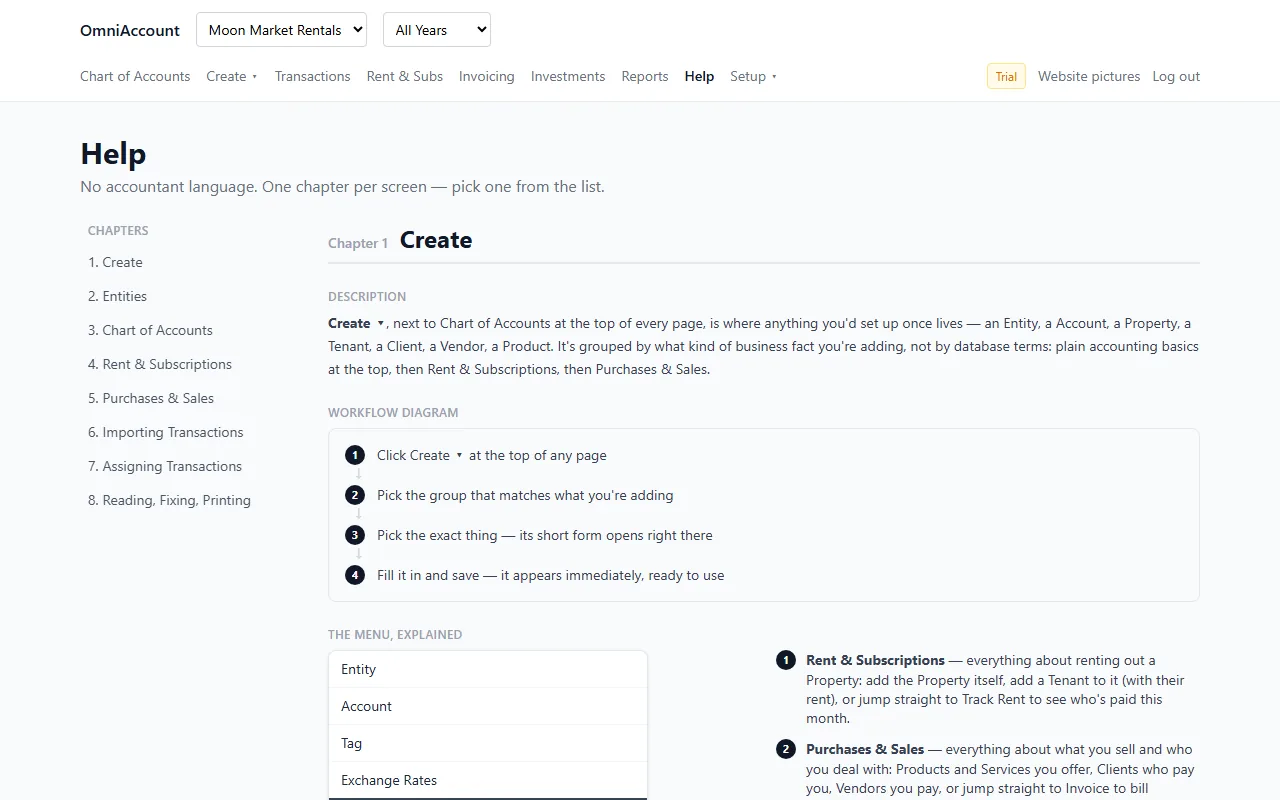
Stuck? Open the app, press ? Help on the screen you are on. Account, password and sign-in questions: use Forgot password on the login page.
Open the app and press ? Help on any screen.
Sign up or log in. The Help page is the first thing in the menu.