 OmniAccount
Features · Statements & reports
Every account reads like a passbook.
Money In, Money Out, Balance. Every line can be fixed on the spot, and every report is computed live from the real transactions, never a number someone has to remember to update.
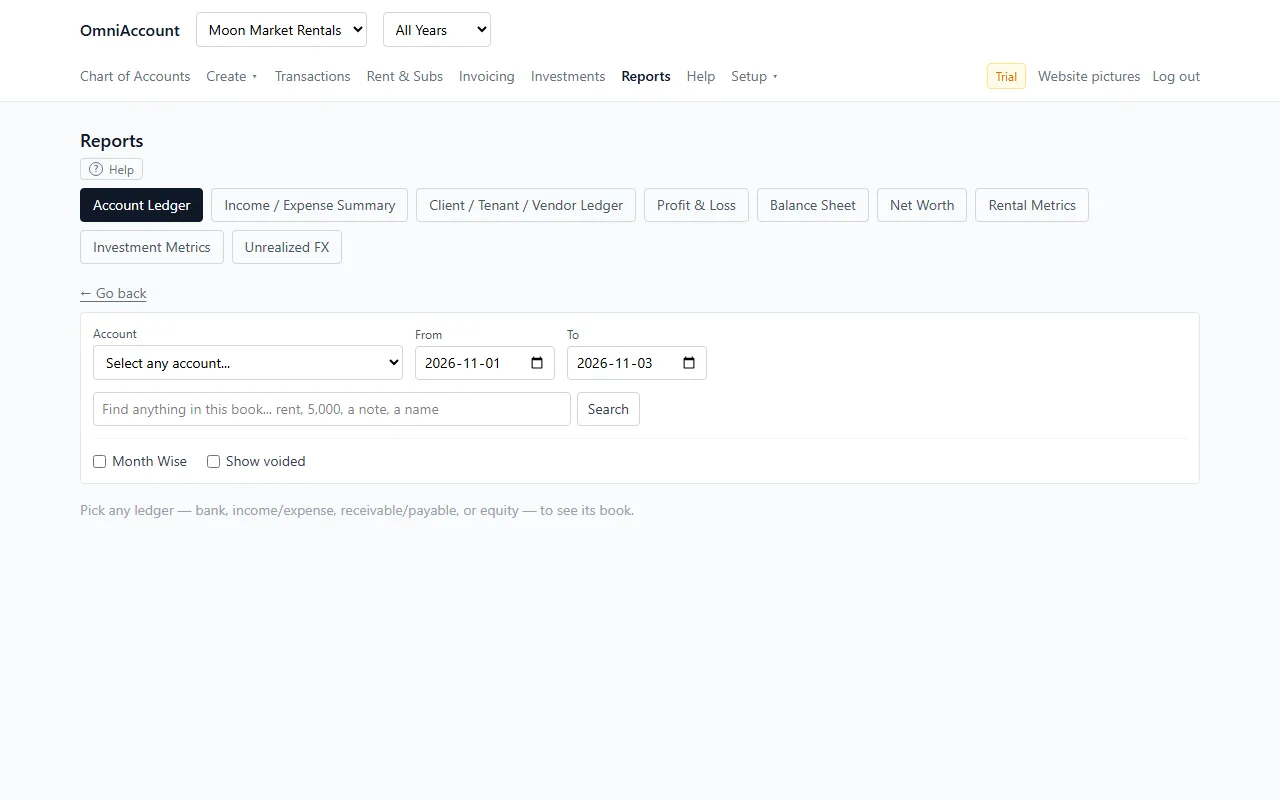
The two statements every accountant expects
- Profit & Loss and Balance Sheet, live from the books.
- Account Ledger report: a running-balance statement for any single account.
- Category Summary: income and spending by category over any date range. "How much did I spend on Electricity last year?"
- Rental yield per property, investment metrics, and consolidated net worth across every entity.
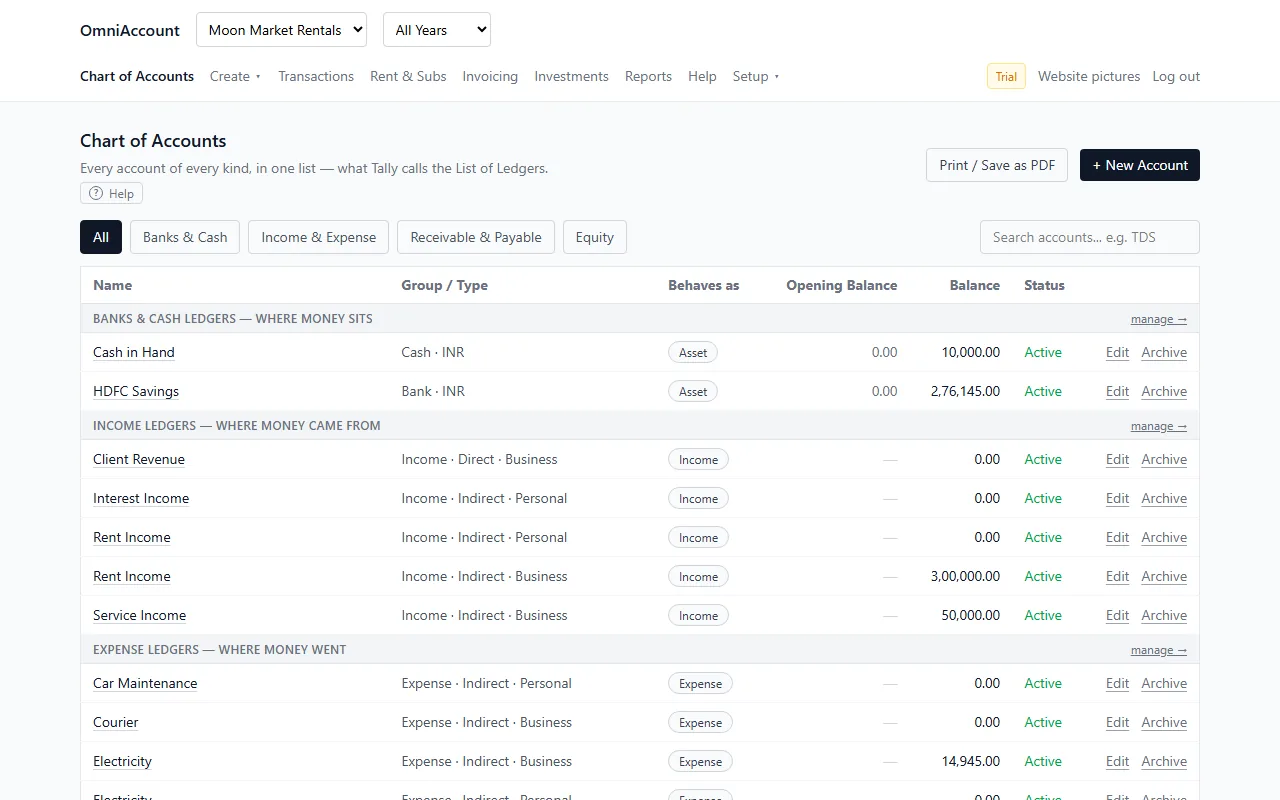
Reading, fixing, printing
- Each line reads top to bottom: what it was assigned to, your own note, the bank's wording, then the full Debit/Credit detail.
- Month-wise totals switch on by themselves for a full-year statement; a tick box turns them on or off for any range.
- A Find box on every list: type "rent" or an amount and only matching lines stay.
- Spot a mistake? Click the line: change either side, split it, void it, or update your note, tag or who it is for.
- Every report has Print / Save as PDF, named like "Report - FY 2025-26", ready to attach to an email.
- Bank reconciliation: confirm the books match what the bank statement says.
Start with your own books. Free for a year.
Sign up with your email or Google. No card. Import your first bank statement in minutes.