 OmniAccount
Bank statements in. Every line explained with a tap.
Four ways to bring money in, one tap to say what each line was, and safety rules so a fix never loses anything.
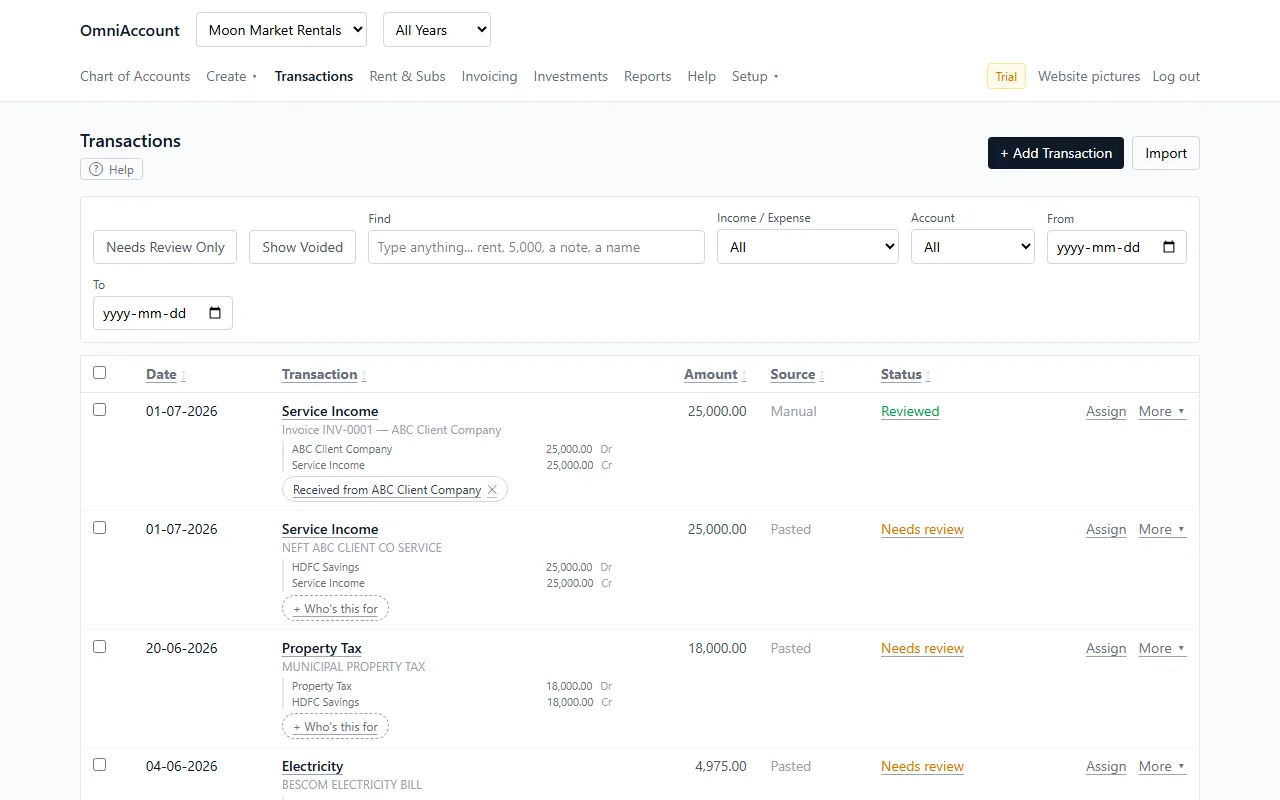
Four ways to bring money in
- Type one transaction by hand.
- Paste a block of rows copied straight from net-banking or Excel.
- Upload a CSV, Excel or PDF statement. A locked PDF? Type its password.
- Photograph a paper bill with your phone.
- Dates, amounts and Money In or Out are read for you. Statements from HDFC, ICICI, Bank of India and others land in the right columns without hand fixing.
- Possible duplicates are flagged before they can sneak in twice.
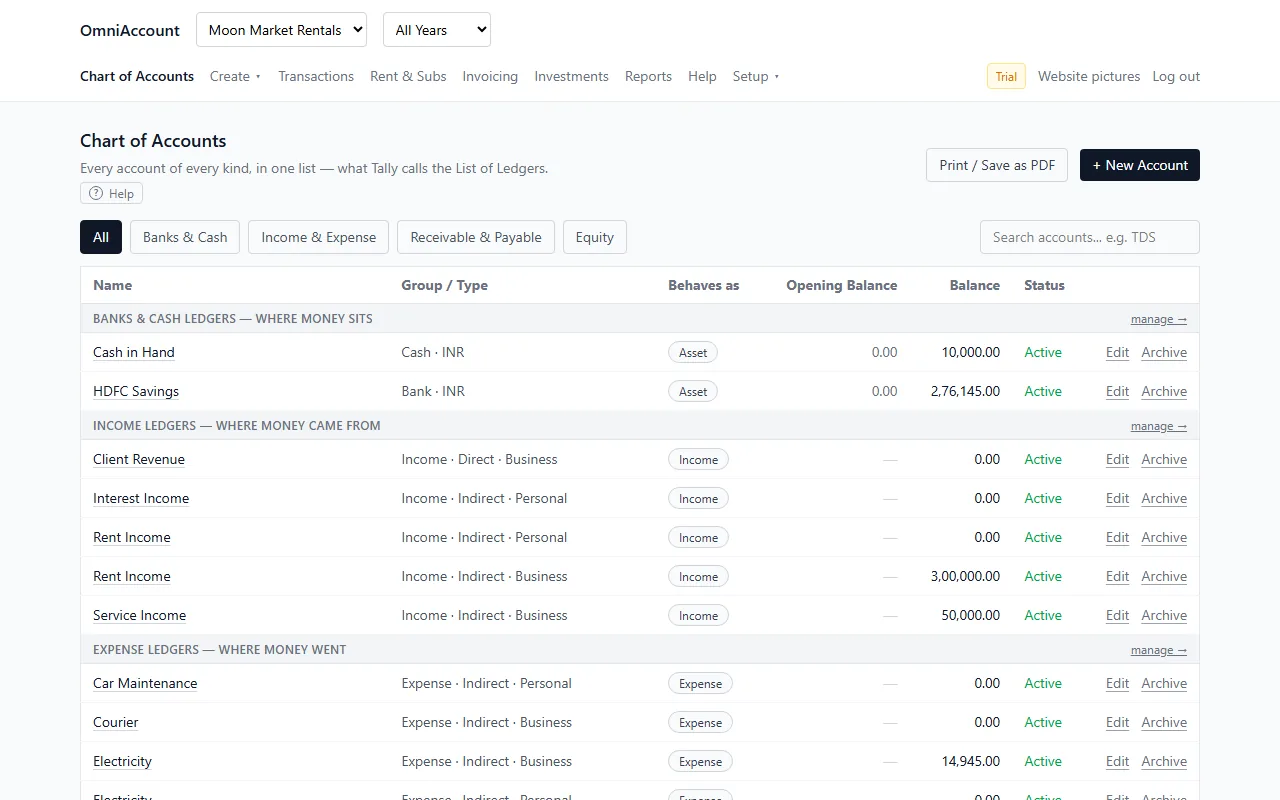
Assign with a tap
- Click Assign…, tap the kind, tap the item. The tap saves it. No Save button for this part.
- "Rent came from Joe Don" → Income ledger → Rent Income. Done.
- "ATM withdrawal" → Transfer to my other account → Cash in Hand. Never counted as an expense.
- Missing a ledger? Create New builds it right there, without losing your place.
- Not sure what a row is? Park it in Suspense and come back any time.
- Link who a line is for (a tenant, client or vendor) separately from which ledger it is booked to: "Received from…" or "Paid to…".
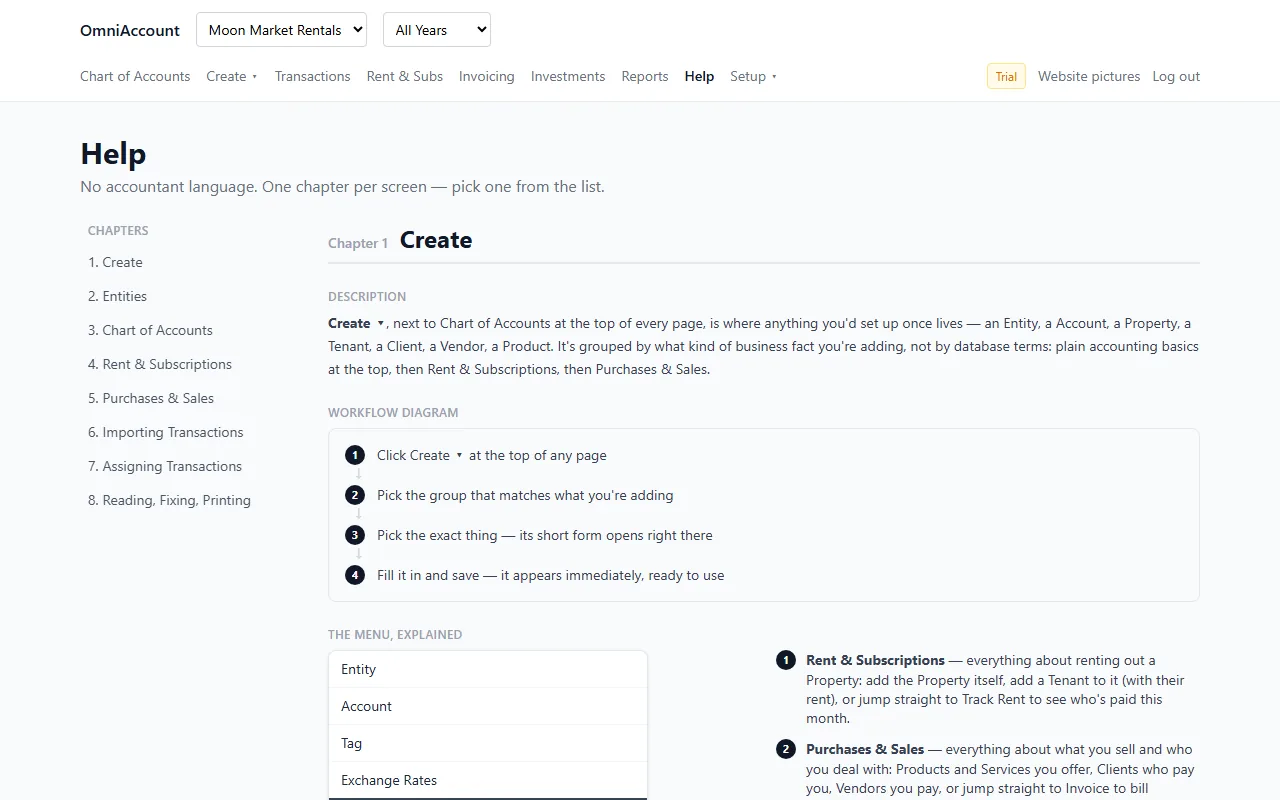
Never do the same fix twice
- Assigned one row? OmniAccount finds similar rows and offers to fill them all in one go.
- The app remembers: the first Amazon charge goes to Office Supplies by hand, every Amazon charge after that lands there by itself.
- A charge from a repeat vendor that looks unusual is held up for a look before it is treated as normal.
- Split one bank line into several real postings: a ₹1,15,300 rent receipt is ₹1,03,770 in the bank, ₹11,530 TDS, and the full ₹1,15,300 of Rent Income.
- Bulk actions: tick 15 rows and assign, tag, link a person, mark reviewed or void them together.
- Attach a receipt photo or an invoice PDF to any transaction. Only you can see it.
- Tags cut across ledgers: a project or a class that spans many expenses.
- Fixing is always safe: replaced or voided transactions stay restorable, and every change is in the audit log.
Questions
What does "double-entry" mean for me?
Every transaction must have a Debit side and a Credit side that add up to the same total, or the app refuses to save it. That is the one rule real bookkeeping runs on (Tally, QuickBooks). It is why the Balance Sheet always balances here, unlike a spreadsheet with a plus and a minus column.
Do I have to use Debit and Credit words?
No. Each entity picks its notation: Plain words (Money In / Money Out), Debit-Credit, Dr-Cr or To-By. Every screen and report follows.
What happens to a PDF or photo I upload?
Its rows are read out by an AI reading service, shown to you as a preview, and nothing is saved until you confirm. Large multi-page statements can take a few minutes.
Start with your own books. Free for a year.
Sign up with your email or Google. No card. Import your first bank statement in minutes.